Telegram mini-app scams: how a fake "verify wallet" or giveaway bot works
A mini app opening inside Telegram is not a safety signal. The flow, the tells, and what to do.
- Offerfree gift or airdrop
- Starta button in a message
- Dashboardfake balance, timer
- The askcode, wallet, fee or APK
- Lossaccount or funds
Stop at the ask. Nothing inside a mini app is vetted for you.
Source · Kaspersky, CTM360 via Cloaked, 2026

How the scam flows
- A bot or stranger offers something free. A gift, an airdrop, a "verify your wallet" step. A button says Start or Open.
- A clean dashboard opens inside Telegram. It feels native because it runs in Telegram's own in-app browser (REPORTED, CTM360 via Cloaked, May 2026).
- It shows fake progress. A rising balance, "wins", a countdown timer (REPORTED, same source).
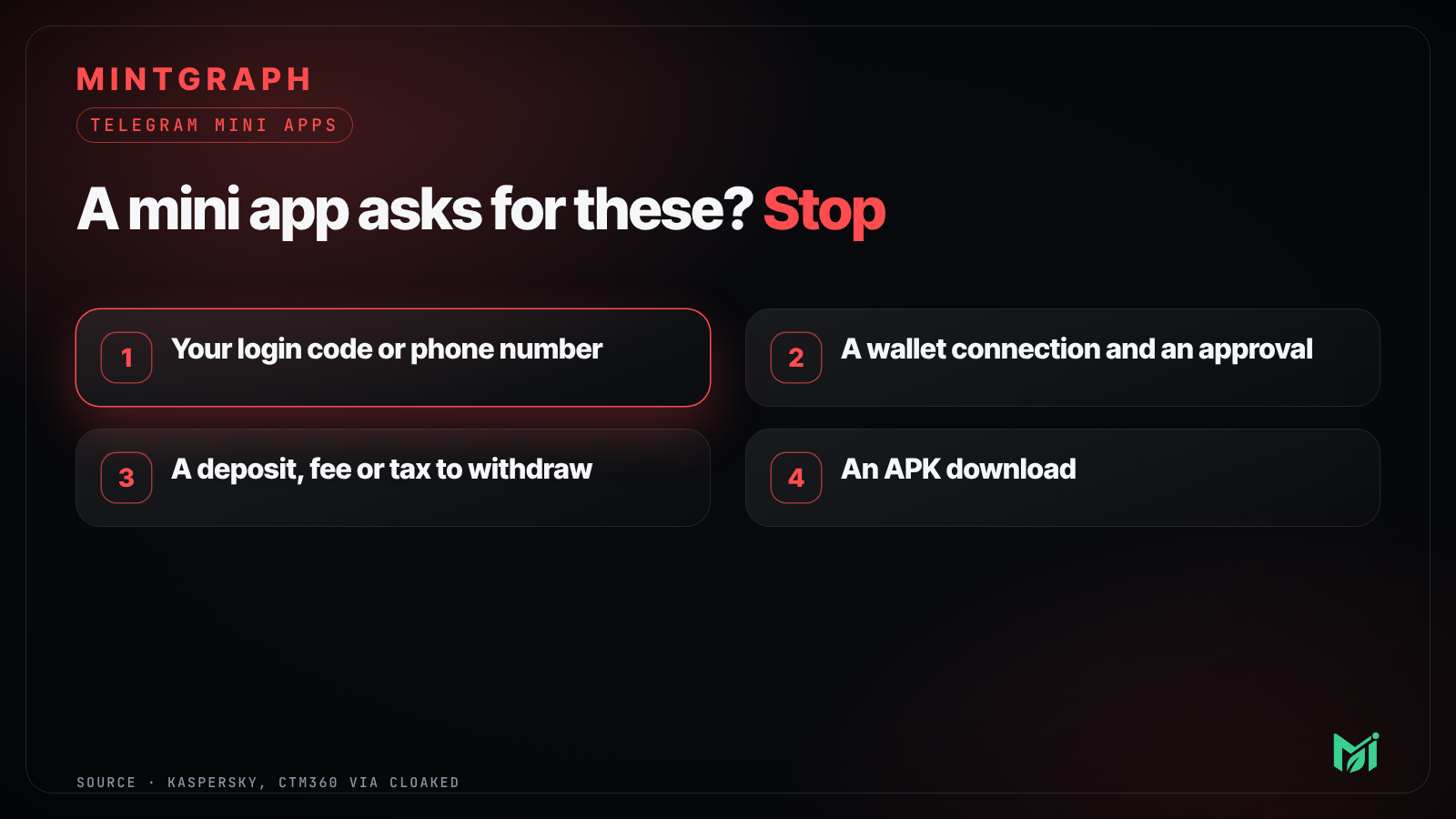
- Then the ask. One of four:
- Enter your phone number or login code. In one documented campaign this hijacked the Telegram account itself (REPORTED, Kaspersky, Dec 2025).
- Connect a wallet and approve a transaction you cannot read. See what to do if you signed one.
- Pay a deposit, "verification fee" or "tax" to unlock withdrawals, or invite friends first (REPORTED, CTM360).
- Download an APK or "add to home screen" (REPORTED, CTM360).
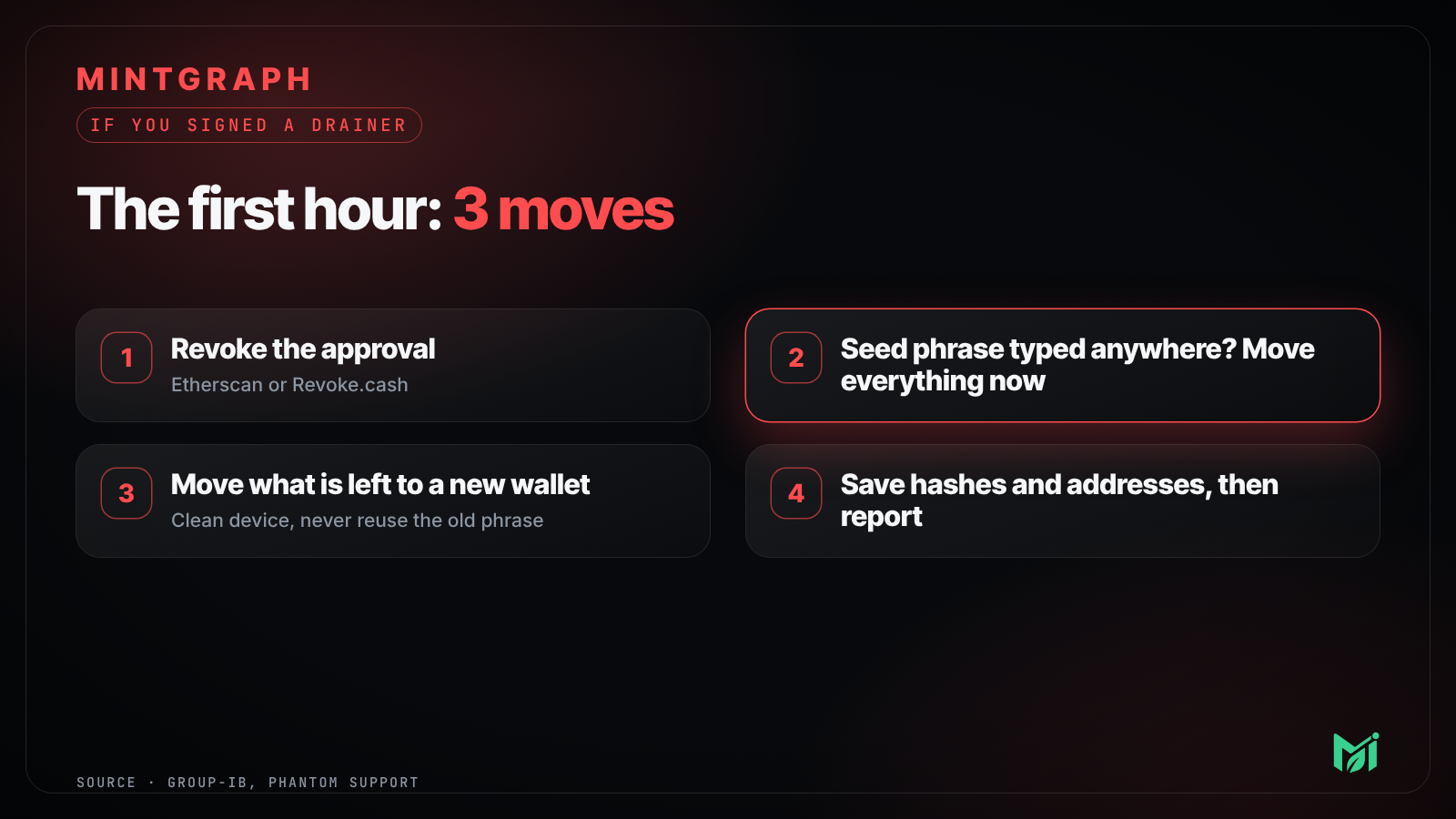 GuideI signed a drainer. What do I do in the first hour?
Why it works
- Telegram does not review a Mini App's code or the builder's intent, and moderation is reactive: it starts after complaints (REPORTED, Kaspersky).
- Fake brands are cheap to make. Researchers tied many bots and domains to one reusable backend, nicknamed FEMITBOT, wearing the logos of well-known companies (REPORTED, CTM360 via Cloaked).
- The padlock in a browser only means the connection is encrypted. It does not mean the site is honest, or that a file is safe.
Tells
- It messaged you first, or came from a group you did not choose.
- A deadline, a limit per person, or a timer.
- A balance you did not earn.
- You must sign in again inside the mini app. Legitimate Telegram apps typically do not ask you to type your phone number or code (Kaspersky).
- The bot's username is close to the real one, but not the same.
What to do
- Stop. Do not "test with a small amount".
- Check the bot's username against the project's official channel.
- Turn on Two-Step Verification: Settings, Privacy and Security (Kaspersky).
- Never install an APK from a Telegram link.
- Block and report the bot. Warn anyone you invited.
More: Telegram airdrop scams: 7 signs and what to do and How to check if a crypto airdrop is legit.
 GuideTelegram airdrop scams: 7 signs and what to do
 GuideHow to check if a crypto airdrop is legit
Questions
Are Telegram mini apps safe?
Many are fine, but Telegram does not vet them for you. Treat each one like a website you found in a DM.
Does a mini app opening inside Telegram mean it is official?
No. Scam apps use the same in-app browser, which is part of why they feel real.
A mini app says I must deposit to withdraw. Is that normal?
No. Real services take fees from the amount you withdraw or disclose them upfront. "Deposit to unlock" is the classic advance-fee scam.
Someone got my Telegram account. What now?
Act quickly. Kaspersky says you have about 24 hours to reclaim an account, so follow Telegram's recovery steps and warn your contacts.
This is safety guidance, not financial advice. Facts checked 25 October 2026.
Sources
- Kaspersky: phishing in Telegram Mini Apps www.kaspersky.com
- Cloaked: Telegram crypto scams and the FEMITBOT kit (May 2026) www.cloaked.com
- CTM360: TRAP10 mini app scam advisory www.ctm360.com
Comments
Sign in with Telegram through Ari to comment, reply and react. Use the plain page
Comments go live at once and are checked automatically. Links are shown as text. Never post a seed phrase or private key. Ari is MintGraph’s assistant. Her replies here are written or checked by the MintGraph team.
No comments yet. Be the first.